
Say what you spent.Finly writes it down.
Finly is an AI expense tracker for iPhone and Android. Say a purchase, snap a receipt or import a statement, and it’s logged with the amount, merchant and category. No bank login.


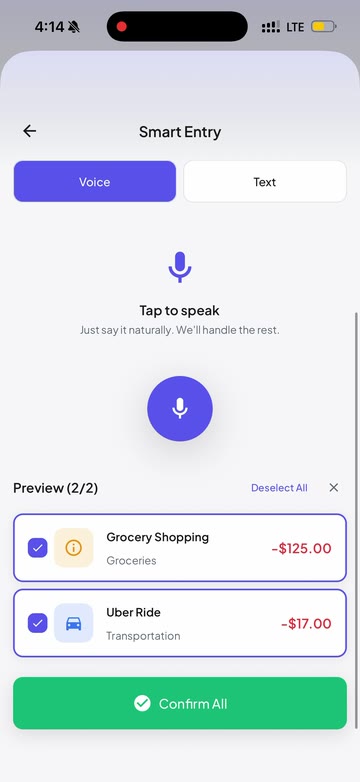
You said“Grocery shopping today for 125, and on my way home took the Uber for 17.”


Three ways in
However the expense shows up, it ends up in the same place.
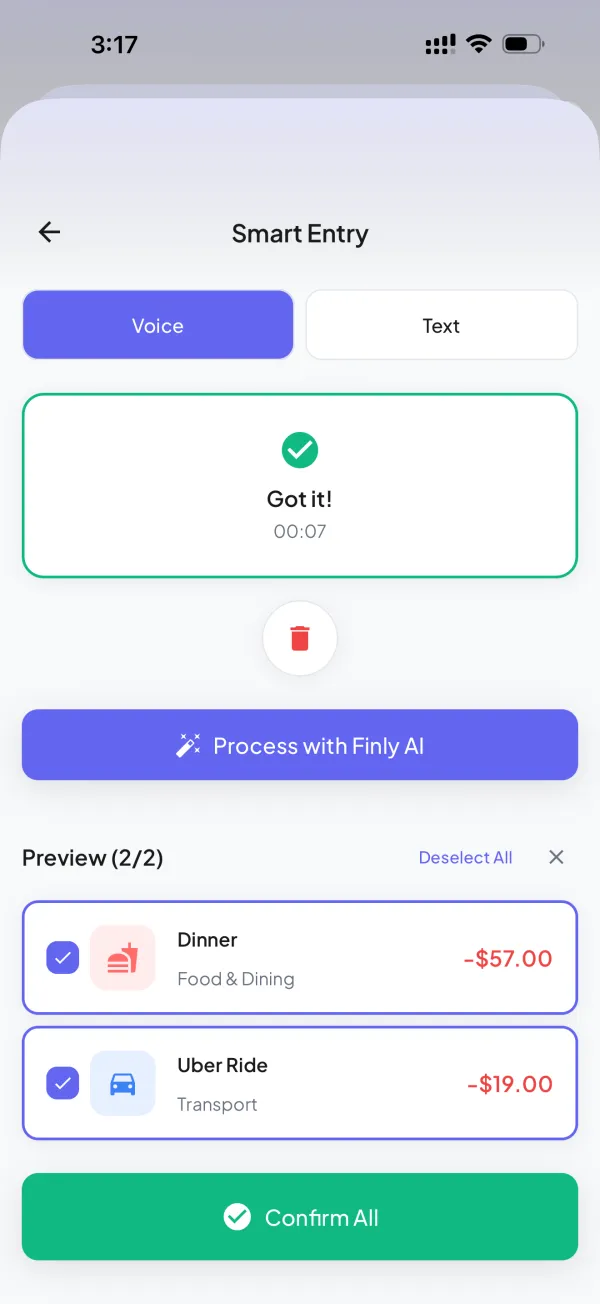
Say it
Talk the way you would to a friend.
Hold the mic and describe a purchase or two. Finly pulls out the amounts, merchants and categories, and shows you before anything is saved.
Snap it
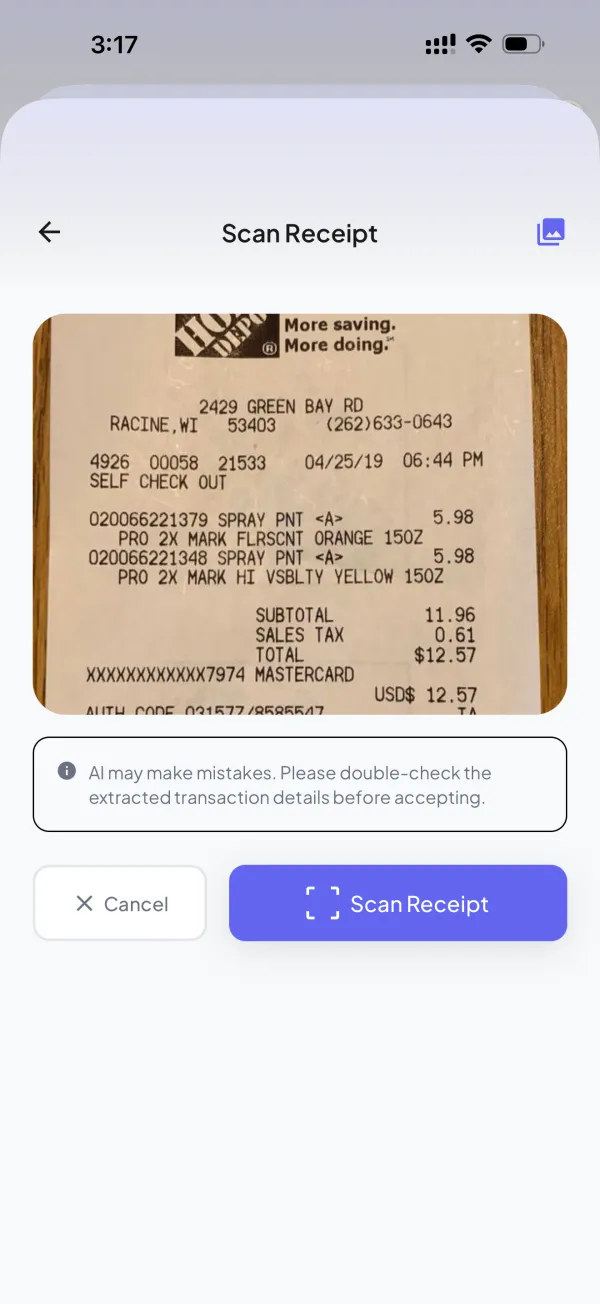
Point the camera at the receipt.
Merchant, date and total are read off the paper. You check the result, fix anything that looks off, and move on.
Import it
Bring your history with you.
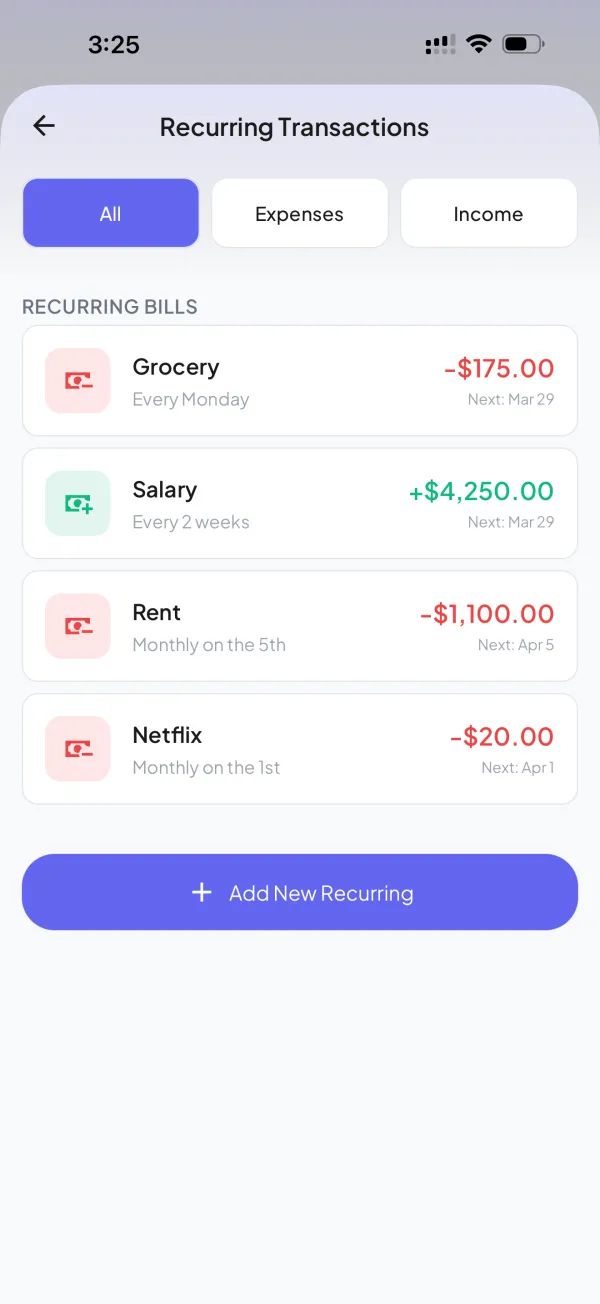
Drop in a CSV from your bank or your old app. Finly adds the transactions, then lists the regular bills it found so you can track them as recurring.
What is inside
The dull parts, handled.
- Voice entry
- Say “coffee, $5.50, yesterday”. The amount, date, merchant and category are filled in for you.
- Receipt scanning
- Snap a paper receipt, or use a screenshot or an email. The merchant, items and total are read for you.
- Statement import
- Bring in a CSV from your bank or another app. Regular bills are picked out and offered as recurring.
- Category budgets
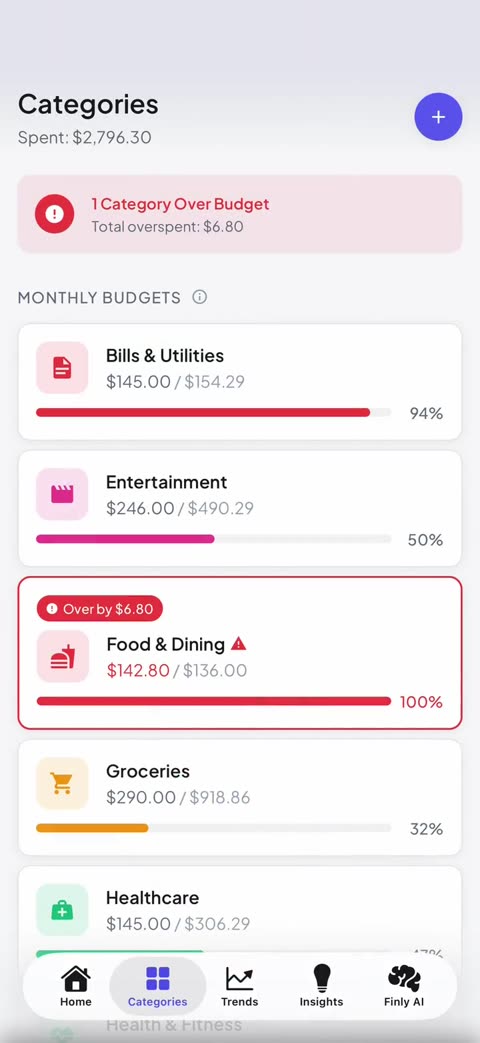
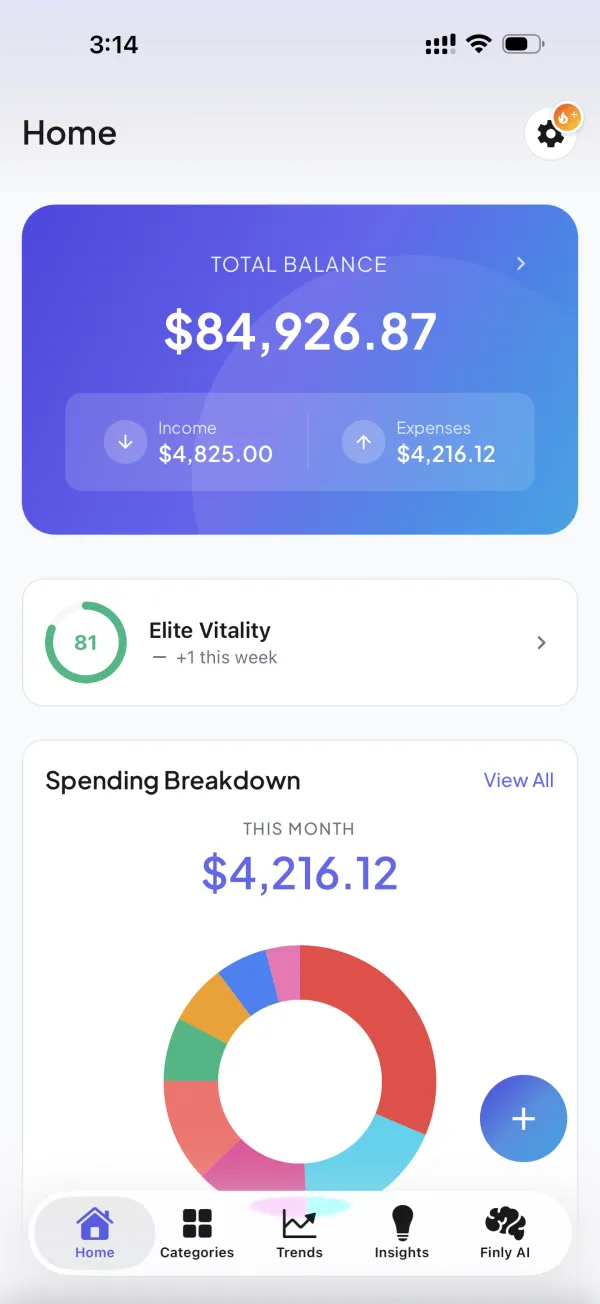
- Set a monthly limit per category. Anything over budget is flagged on the Categories screen.
- Spending insights
- Short, plain-language notes on patterns, like a week that ran well above your usual.
- 150+ currencies
- Track in your own currency, or in several.
- Stateless AI
- Voice and receipts are processed, then deleted. Never used for training.
- Face ID lock
- A biometric lock on top of encryption in transit and at rest.
- Export
- Your data as CSV or PDF, whenever you want it.
- iPhone and Android
- One account, syncing across both.
Your bank stays out of it.
Questions
Common questions
More in the full FAQ and the help center.
Finly is an AI expense tracker for iPhone and Android. Tell it what you spent by voice, receipt photo or statement import, and it records the amount, merchant, date and category. With no bank login, you decide what goes in.
Yes. Finly never asks for a bank login. Say an expense, scan a receipt, type it in or import a CSV, and it’s in your ledger. Nothing appears on its own, so you stay in charge of what’s recorded.
Finly never connects to your bank, so it never holds your bank credentials. Your data is encrypted in transit and at rest, there’s an optional Face ID lock, and voice and receipts are never used to train models. We don’t sell your data.
Yes. Finly is on the App Store and Google Play, and one account syncs across both.
Tap the mic and say what you bought, like “coffee, $5.50, yesterday”. Finly fills in the amount, date, merchant and category, and shows you the entry to confirm. Say several purchases in one go if you like.
Yes. Snap a paper receipt, or use a screenshot or an email receipt. Finly reads the merchant, date and total, and you check it before it’s saved.
Yes. Export a CSV from your bank or another app and import it. Finly adds the transactions and picks out your regular bills so you can track them as recurring.
Yes, it’s free to download. Upgrade to Pro inside the app to unlock more of the AI features.
Free to download.
Upgrade to Pro inside the app.